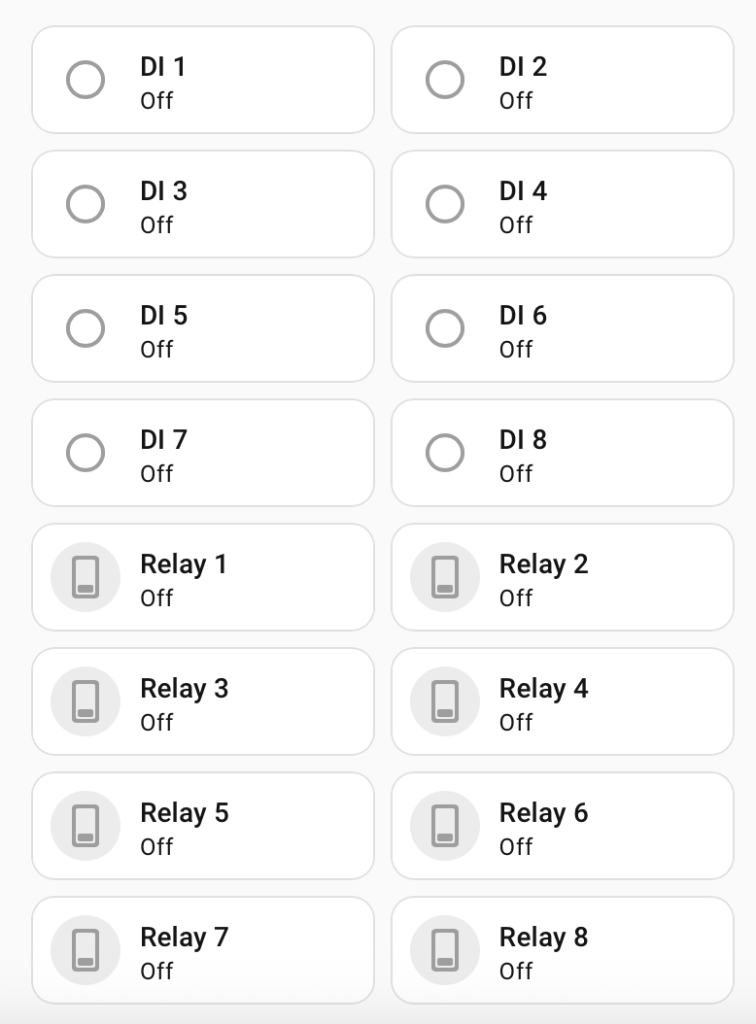
Connecting your wave share PoE to Homeassistant is easy through Modbus TCP
This yaml will map all 8 relay contacts, and the digital inputs. To use it you will need to include it in configuration.yaml
Core Electronics Waveshare PoE8 Product Page
YAML
modbus: - name: waveshare_relay type: tcp host: 192.168.1.200 # Replace with your device's IP address port: 502 # Replace with your device's port switches: - name: Relay 1 unique_id: waveshare_do_1 address: 0 slave: 1 write_type: coil - name: Relay 2 unique_id: waveshare_do_2 address: 1 slave: 1 write_type: coil - name: Relay 3 unique_id: waveshare_do_3 address: 2 slave: 1 write_type: coil - name: Relay 4 unique_id: waveshare_do_4 address: 3 slave: 1 write_type: coil - name: Relay 5 unique_id: waveshare_do_5 address: 4 slave: 1 write_type: coil - name: Relay 6 unique_id: waveshare_do_6 address: 5 slave: 1 write_type: coil - name: Relay 7 unique_id: waveshare_do_7 address: 6 slave: 1 write_type: coil - name: Relay 8 unique_id: waveshare_do_8 address: 7 slave: 1 write_type: coil binary_sensors: - name: DI 1 unique_id: waveshare_di_1 slave: 1 address: 0 input_type: discrete_input - name: DI 2 unique_id: waveshare_di_2 slave: 1 address: 1 input_type: discrete_input - name: DI 3 unique_id: waveshare_di_3 slave: 1 address: 2 input_type: discrete_input - name: DI 4 unique_id: waveshare_di_4 slave: 1 address: 3 input_type: discrete_input - name: DI 5 unique_id: waveshare_di_5 slave: 1 address: 4 input_type: discrete_input - name: DI 6 unique_id: waveshare_di_6 slave: 1 address: 5 input_type: discrete_input - name: DI 7 unique_id: waveshare_di_7 slave: 1 address: 6 input_type: discrete_input - name: DI 8 unique_id: waveshare_di_8 slave: 1 address: 7 input_type: discrete_input